Ray Tracing: The Next Week
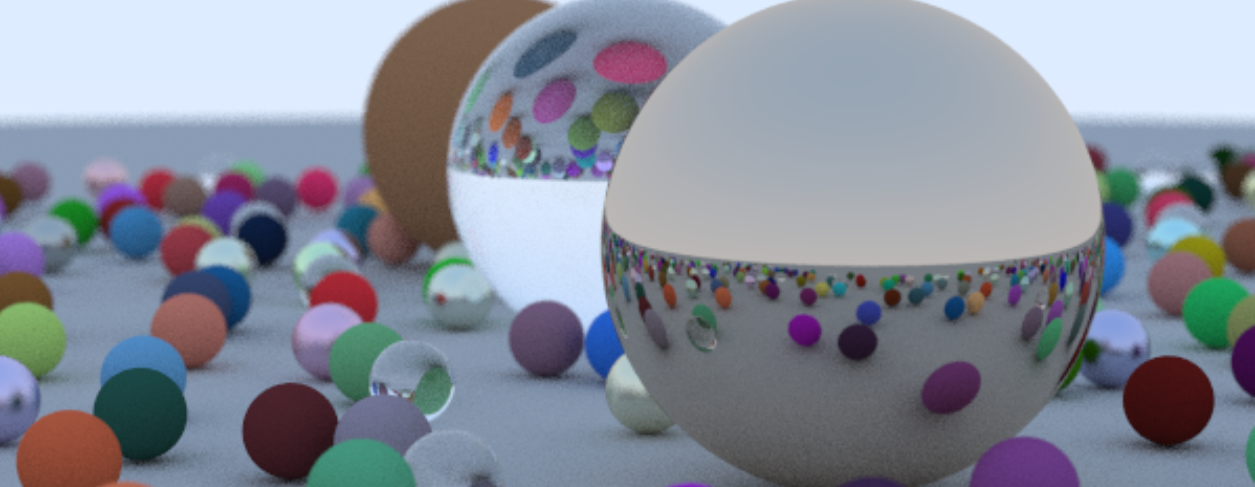
Ray tracing next week : This is a continuation of my "Raytracing in a weekend" project.
- Motion Blur
Basically, we open the camera shutter for some time duration from time t0 to time t1. In that time, the object is sampled at some random intervals and the aggregate of all these samples is added up to give the final image of the object. This results in the object rendered as blurred due to motion. While this effect can be achieved in screenspace, a way to achieve it in-camera is shown here, I believe, to introduce the idea of timed-rays (or rays having temporal existence). However, this implementation does have shortcomings though. Namely that this captures motion blur of objects that are directly hit by the camera rays, but motion blur is not captured in the reflections. I might have to present a good example to showcase this effect.
- BVH
This is an important topic to accelerate ray-object intersections. Implemented properly, this can achieve better performance. As our application is single thread on CPU, the boost in the performance is negligible for our simple scenes.
How BVH works is that we try to eliminate the most occuring case as fast as possible. The most occuring case being that the object is NOT hit by the ray. Till now, we send a ray through every pixel of the screen. This ray is check for intersection with spheres that collectively make up our scene. It seems rather unnecessary that we have to do the complicated ray-sphere intersection tests for every single ray. We can reduce the time-consuming math if we can somehow eliminate the cases where there is a 100% chance that the ray will not hit the sphere. This is achieved rather cleverly, by using bounding boxes. Axis Aligned Bounding Box or AABB tests are fast to calculate. How this goes is that we create a tight enveloping box around our primitives(spheres in this case) that is aligned wrt to the camera coordinate axis. (citation need for the last part). Calculating ray-box intersections is simple to implement as well as to calculate. <insert math here>.
Now preparing one box per sphere is good, but if you have hundred spheres,, calculating hundred AABB tests throws us back to out original problem and things get slow again. To overcome this, boxes that are close to other boxes can be grouped up to create a larger box that envelopes the two AABBs, This generates a tree of bounding box heirarchies that becomes easier to calculate. When an intersection with a AABB occurs, the ray then checks if there is an intersection with any of its children, and recurses its way through to ultimately do ray-sphere intersection tests.
- Solid Texture Mapping
We create a texture class. this is attached to an object's material and acts as its base color. Here, we consider solid texturing, i.e. geometrically achieved textures rather than image look ups.
- Perlin Noise
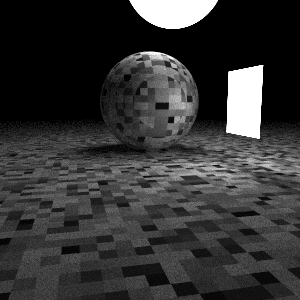
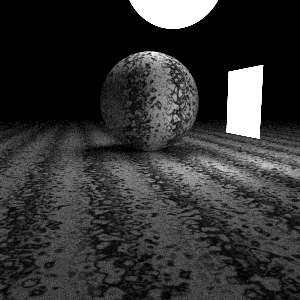
We oversee the different types of random noise generation and create a noise texture.
 5. Image Texture Mapping
We looked at geometric textures, and now we can handle image texture data. We learn about uv mapping into an image.
- Rectangles and Lights
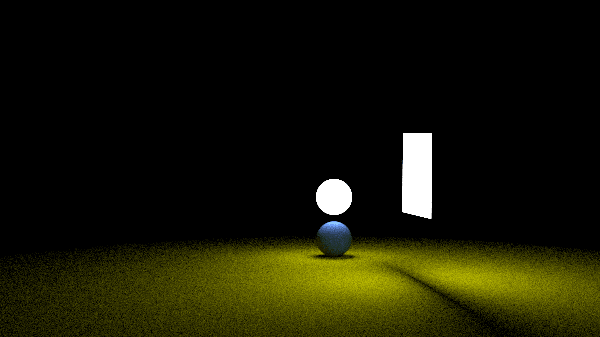
Here we come across the rendering equation that we were avoiding for so much time. Light/emissive surfaces are introduced. And the color function includes an approximation of the rendering equation. WE also create a scene of our sphere + rectangles primitives. There's no ray-triangle intersection handled until now or even in the future abd so mesh-laoding is not implemented.
- Instances for rotation and translation
how rotation and translation is handled is very unintuitive for me. now it makes sense when I relate it to rasterization. In rasterization, to handle object movement, we transform world transformation to camera space transformations. However, in raytracing , instead of applying transformations to objects we apply the inverse transfomations on the rays that hit the object. seems very unintuitive, but it makes sense if you think about it and do the math.
- Volumetric objects
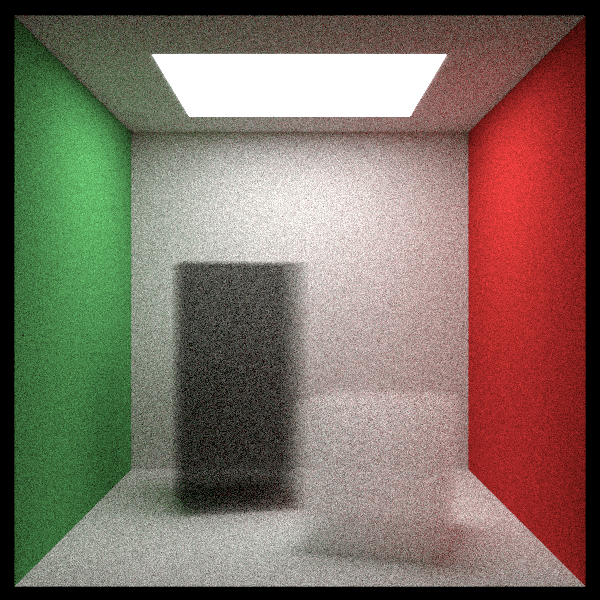
Volumetric objects can be thought of as materials where light enters the material and changes direction and intensity the further inside it is in that said material.
{ /* To understand more of the math used, go read my post on Ray Tracing: The Rest of your life. */ } If you missed the post previous to this one (Ray Tracing in One Weekend), read it here
A link to my code is here: SiddharthChillale/Ray_Tracer
link to the original book is here : Ray Tracing in One Weekend—The Book Series